AMD Says FSR 4.1 and Ray Regeneration 1.1 Are Released
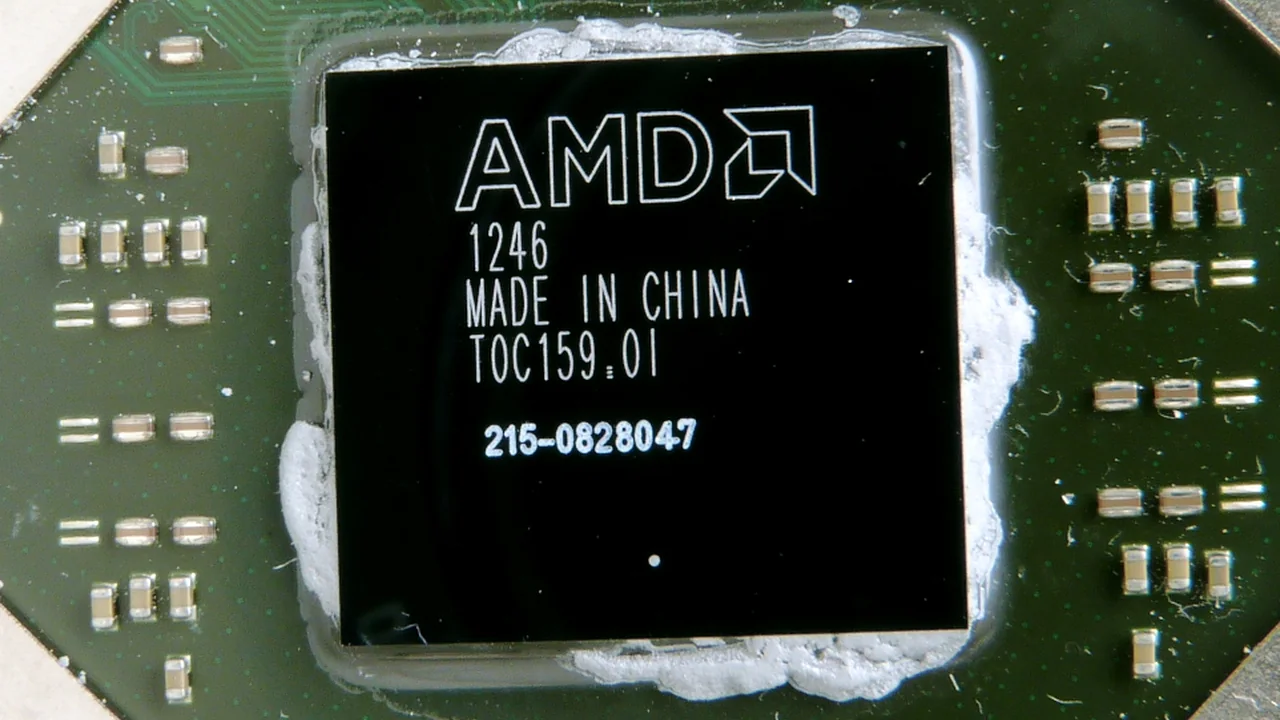
AMD’s May 5, 2026 results release said it had released FSR 4.1 and Ray Regeneration 1.1, but did not itself provide a full game-by-game test.
What the source confirms
AMD’s Q1 2026 financial release states that the company released FSR 4.1 and Ray Regeneration 1.1.
AMD’s current technology page describes ML-powered FSR Upscaling and distinguishes it from frame generation, ray regeneration and other features.
Compatibility is title- and hardware-dependent; AMD’s documentation directs users to supported-game information and compatible drivers.
Why it matters
A brief release mention in an investor filing confirms that AMD reported the launch, but it is not a technical release note. The useful reader question is what changed in a particular game and on which GPU. Version numbers matter, yet feature names can evolve and the underlying integration may require a game update or driver path.
A Financial Release Can Confirm a Launch Without Measuring It
AMD’s Q1 financial release states that FSR 4.1 and Ray Regeneration 1.1 were released. That is useful evidence for the company’s announcement of availability, but an earnings document is not a technical test. The article should not imply that the release itself proves image quality or speed improvements. For those questions, readers need the technology documentation and title-specific implementation details.
AMD’s technology page distinguishes upscaling, frame generation, ray regeneration, and other features. Those labels describe related but separate capabilities. A reader should not assume that every game implementing one feature also supports the others, or that all are available on the same hardware. AMD directs users to supported-game and driver information, which is the appropriate place to check a specific setup.
The wording available now should be attached to the date and source. If the company later expands its support list or changes a driver requirement, the article can add a dated update. This avoids confusing a launch announcement with later compatibility. It also helps readers separate what AMD said was released from what they can actually enable in their own game and hardware configuration.
Compatibility Is a Title-and-Driver Question
A feature name alone cannot tell an owner whether it will work in a specific game. AMD’s own documentation points users toward compatible drivers and supported-game information. That suggests a practical order: identify the title, verify the relevant feature is supported, install the appropriate driver, and check the in-game or software settings. The article should not turn a general release statement into a blanket compatibility claim.
Upscaling and frame generation can change different parts of the presentation, while ray regeneration refers to another feature category. The technology page keeps those terms distinct. Readers comparing graphics options should check which one is enabled and what output they are evaluating. If a review groups several features together, it may be unclear which contributed to the observed result.
These checks are especially useful when a game update and a driver release arrive on different schedules. A feature may be announced at one time and supported by a particular game later. The current documentation is therefore more useful for setup than a single launch-date headline. The May 5 release statement remains the historical anchor; later lists and drivers define what a player can use now.
Separate the Release Notice From the Setup Instructions
AMD’s financial release is the evidence for the company’s statement that FSR 4.1 and Ray Regeneration 1.1 were released. The technology page and driver notes serve a different purpose: they help an owner determine how to use the features. A reader should not expect an earnings announcement to function as installation documentation.
For a specific game, check the supported-title list and compatible driver guidance. If the game does not show the feature, verify the title and driver before drawing conclusions. This simple distinction keeps a news article accurate while directing users to the sources best suited to solve their setup question.
Use the Current Compatibility List for a Specific Game
AMD’s technology page directs users to supported-game information, which is more useful than assuming support from a feature name. A player should check the title, driver, and hardware combination before expecting a setting to appear. The news announcement establishes that AMD said the features were released; it does not answer every setup question.
That distinction also helps with later changes. A game may receive compatibility at a different time from the broader technology announcement. Updating the article with a dated title list can clarify what users can access without rewriting the original May release statement.
What readers should consider
Check AMD’s driver release notes and the individual game’s settings before enabling the feature. Compare the same scene with the same output resolution and image mode, and record whether the game has native support or uses a driver override. A feature’s presence does not guarantee it is the best option for every system.
Evidence and limitations
The cited filing is a company financial document and offers no performance methodology. AMD’s technology page is also a vendor description. The evidence supports the release statement and current compatibility guidance, not a universal image-quality or frame-rate advantage.
What to watch next
AMD release notes, developer patch notes and independent testing can fill in the feature-level detail. Keep the May 5 release claim attributed to AMD and verify current card support because compatibility can change with drivers and game updates.
Sources
- AMD Investor Relations: First Quarter 2026 Financial Results – Form 8-K
AMD’s May 5 statement that FSR 4.1 and Ray Regeneration 1.1 were released.
- AMD: AMD FSR Technologies
AMD’s current description of FSR upscaling, Redstone naming and supported hardware classes.